

 By
By Introduction
Inexpensive all-in-one computers simplify computer setups by combining the monitor and the main unit in one package. This solution is ideal for those with limited space or who desire a neat and tidy workspace. These computers offer a balance between performance and price, making them suitable for home use, students, and small offices.
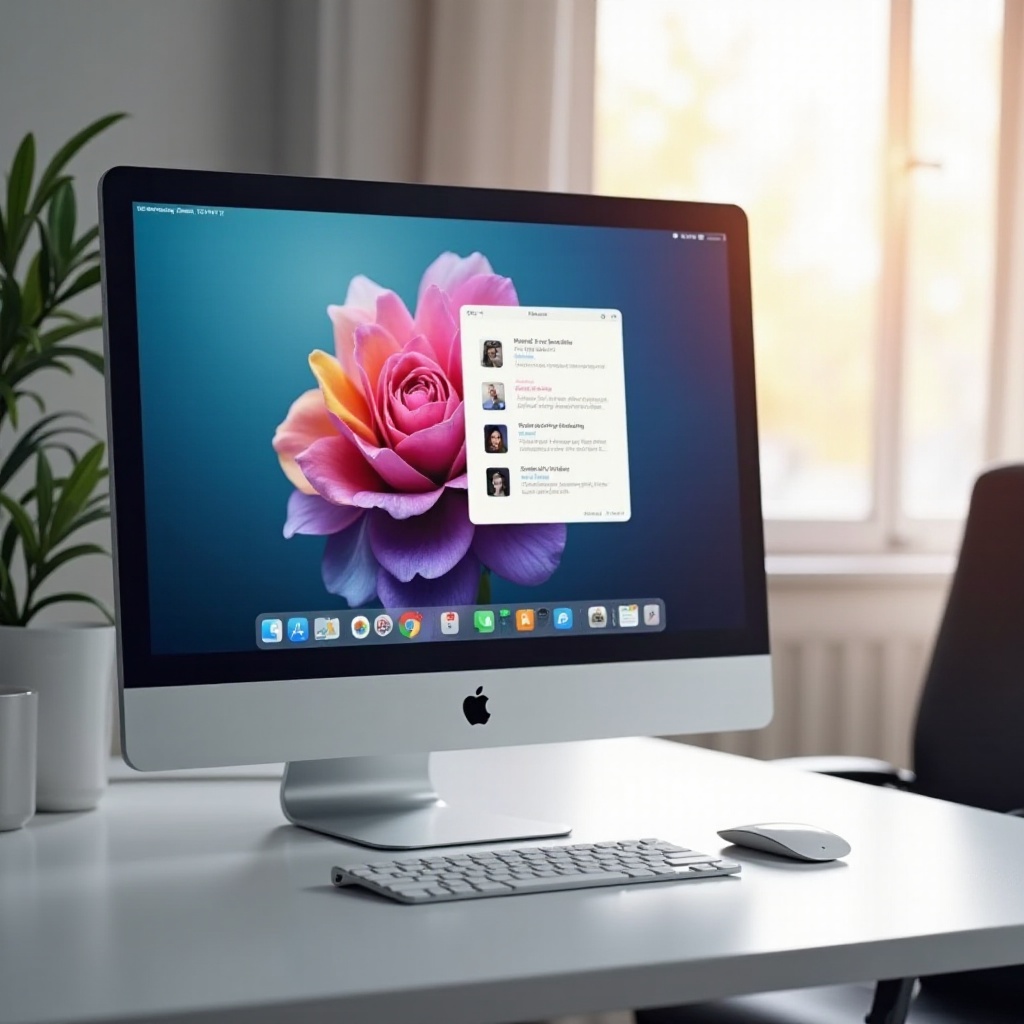
Understanding All-in-One Computers
All-in-one computers integrate all system components within the same enclosure as the display, providing a streamlined design. Unlike traditional setups, all-in-ones have fewer cables and take up less space. Many come with touchscreens, enhancing their versatility for different tasks.
The simplicity and elegance of all-in-one PCs make them popular among users who prioritize aesthetics and efficient use of space. They are particularly beneficial where desk space is limited or a modern look is desired.
Top Features to Look for in Budget All-in-One PCs
Selecting an inexpensive all-in-one computer requires understanding critical specifications and features.
- Essential Specifications: Ensure the device includes at least an Intel i3 or AMD Ryzen 3 processor, 8GB of RAM, and a 256GB SSD for optimal performance.
- Display Quality and Size: A full HD resolution (1920×1080) is recommended, with screen sizes varying from 21.5 inches to 27 inches.
- Build Quality and Design: Look for a durable and stylish exterior that complements your environment. Metal finishes, though sometimes more expensive, provide extra durability and elegance.
Careful consideration of these features ensures you select a computer that meets your specific needs while remaining within your budget.

Top 5 Inexpensive All-in-One Computers for 2024
The following models are the leading budget-friendly all-in-one PCs, offering a balance of functionality and cost-effectiveness:
- Dell Inspiron 24 5000: Features a 23.8-inch FHD display, Intel Core i5, and 12GB RAM. It combines a sleek design with robust performance.
- HP All-in-One 22: Equipped with a 21.5-inch display, AMD Ryzen 3 processor, and 8GB RAM, suitable for standard multitasking and light gameplay.
- Acer Aspire C24: An Intel i3-powered model with a 23.8-inch display, offering good performance for daily tasks and media consumption.
- Lenovo IdeaCentre AIO 3: Includes a 24-inch FHD display and an AMD Ryzen 5 processor, excellent for productivity and seamless video calls due to its quality camera.
- ASUS Vivo AiO V222: With a 21.5-inch FHD screen, it features an Intel Celeron processor and is ideal for everyday applications.
These budgets all-in-one computers provide reliability and performance suitable for various daily computing tasks.
Pros and Cons of Budget All-in-One Computers
Understanding the benefits and potential limitations of budget all-in-one computers helps buyers make informed choices.
Advantages:
– Space-Saving: A compact design reduces clutter and fits neatly into any workspace.
– Easy Setup: Fewer components mean the setting up process is simple and straightforward.
Limitations:
– Limited Upgradeability: Upgrades are often restricted, particularly concerning main system components like RAM and the CPU.
– Performance Constraints: May struggle with intensive tasks such as high-end gaming or professional-grade video editing.
Consider how you plan to use your computer to assess whether these advantages and limitations align with your needs.
Tips for Buying the Best Inexpensive All-in-One Computer
To select the best budget all-in-one PC, consider several strategic tips:
- Prioritize Key Components: Focus on the performance-critical components like CPU and RAM to ensure smooth operation.
- Consider Refurbished Options: Certified refurbished models can deliver good performance at a reduced price, offering great value.
- Timing Your Purchase: Look for deals during major sale periods such as Black Friday or Cyber Monday when prices may significantly drop.
These tips help optimize your purchase decision, ensuring you receive the best value for your money.
Conclusion
Choosing an inexpensive all-in-one computer doesn’t have to compromise your expectations. By prioritizing essential features and understanding potential trade-offs, you can find a computer that effectively meets your needs and fits within your budget.
Frequently Asked Questions
Are budget all-in-one computers good for gaming?
Most budget models are not suitable for high-end gaming, but they can handle light, casual games comfortably.
Can I upgrade an all-in-one computer?
Typically, upgrades in all-in-one PCs are limited to certain components like RAM, but not the CPU or GPU.
Where can I find the best deals on budget all-in-one PCs?
Consider shopping during major sale events like Black Friday or Back-to-School seasons to snag the best deals.