

 By
By Introduction
Achieving high-quality audio for various tasks like podcasting, video conferencing, and music production is crucial for MacBook Pro users. Although the MacBook Pro offers robust capabilities, its internal microphone often falls short in delivering professional-grade sound. Investing in an external microphone can bridge this gap, providing superior audio clarity and performance. This guide will navigate you through selecting the best external microphones for your MacBook Pro, ensuring an optimal audio setup in 2024.
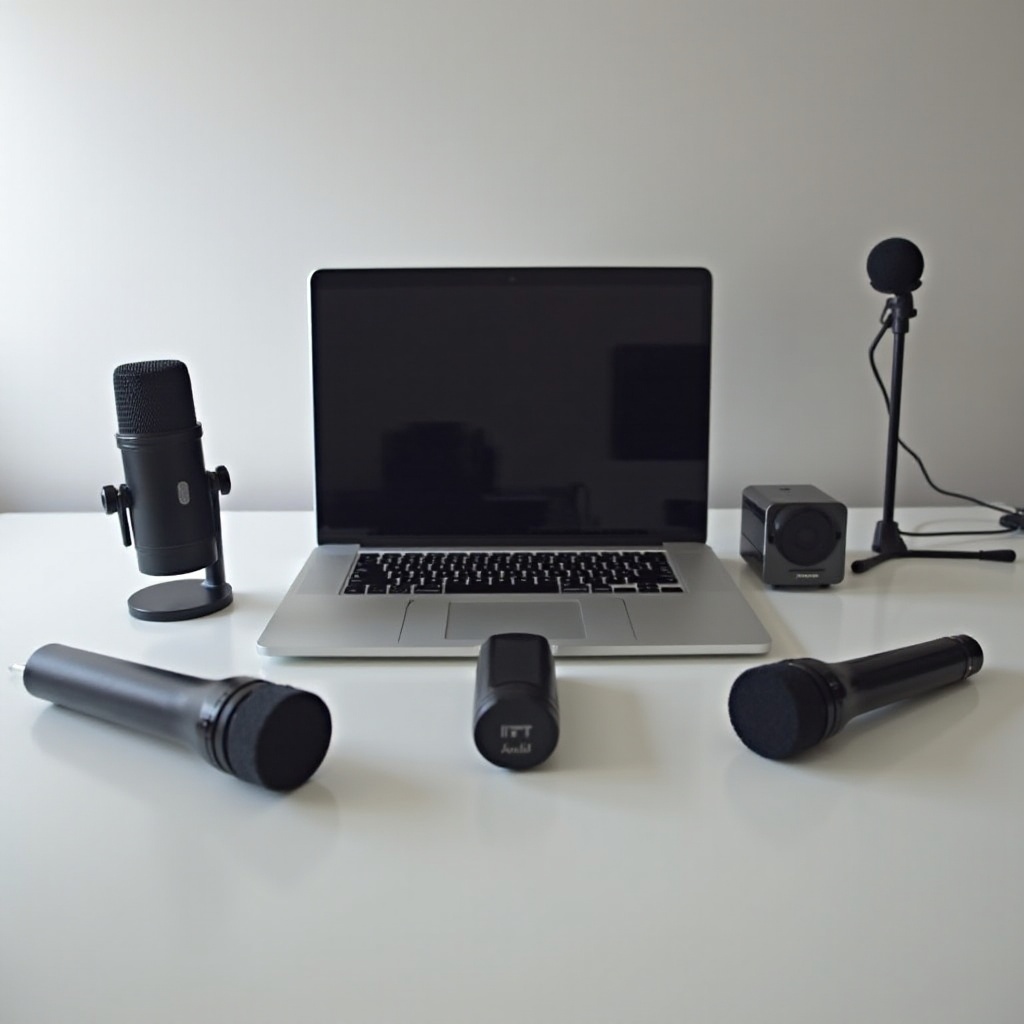
Why You Need an External Microphone for Your MacBook Pro
While MacBook Pro’s internal microphone is designed for everyday use, it can’t match the audio fidelity required for professional applications. An external microphone offers significant enhancements in sound clarity and noise isolation, crucial for podcasters, musicians, and remote workers. These microphones capture richer textures and nuances, ensuring every word and note reaches its full potential.
Furthermore, using an external microphone allows for greater flexibility in audio configuration. Whether you prefer connectivity through USB or the freedom of wireless options, external microphones ensure you have the best setup tailored to your needs.
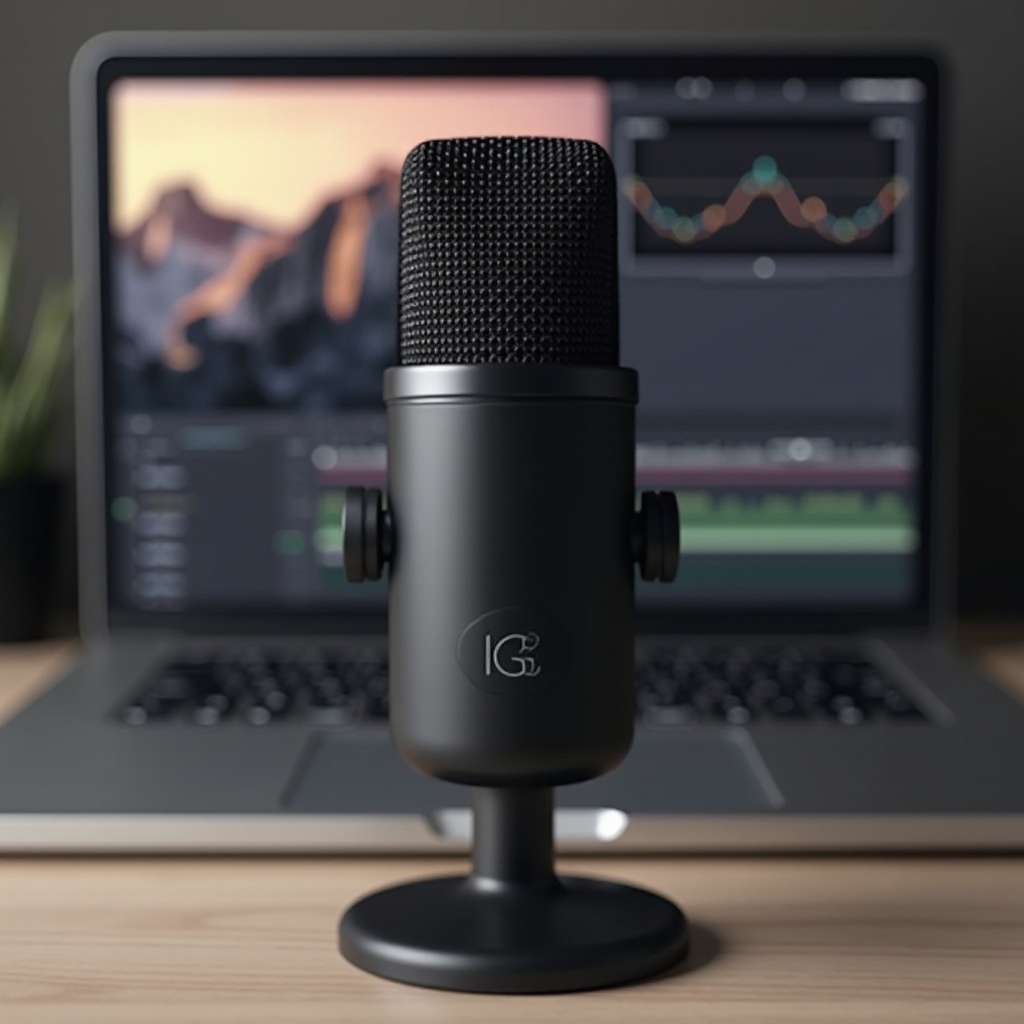
Key Features to Consider When Choosing an External Microphone
Choosing the right external microphone involves considering several critical features that can greatly impact your audio quality and user experience.
-
Sound Quality: Prioritize microphones with a wide frequency response and high sensitivity to capture a full range of sounds accurately.
-
Connectivity Options: Determine whether USB microphones for plug-and-play convenience or wireless options for greater mobility suit your needs.
-
Portability and Design: If you frequently travel, look for compact designs, otherwise consider durable builds for home-based, static setups.
-
Compatibility with MacBook Pro: Ensure the microphone is readily compatible with macOS, with minimal need for extensive software installation or adapters.
These considerations pave the way for selecting microphones that meet specific needs, catering to content creators, remote workers, and business professionals alike.
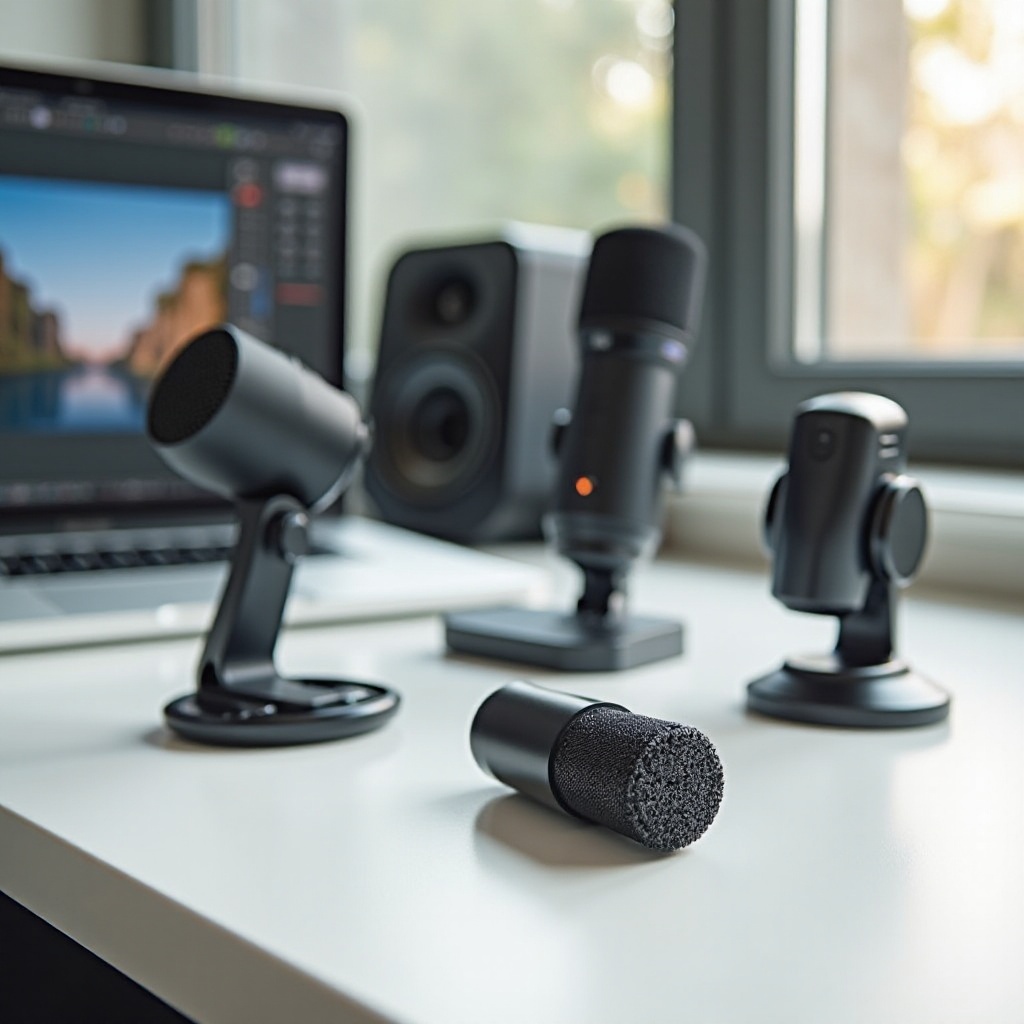
Top External Microphones for Different Uses
Different applications call for specific microphone capabilities. Here are top recommendations for various scenarios:
-
Best Microphones for Podcasting: The Shure SM7B is celebrated for its warm, balanced tones, making it ideal for voice recordings. Alternatively, the Audio-Technica AT2020 provides excellent clarity and detail, perfect for interviews and dialogues.
-
Ideal Options for Video Conferencing: The Blue Yeti stands out with its versatile pickup patterns and user-friendly controls, excellent for online meetings. The Jabra Speak 510 offers a dedicated conference feature for clear communication.
-
Top Picks for Musicians and Vocalists: The Rode NT1-A delivers an extended dynamic range and clear high-end response, suitable for studio-quality vocals. The AKG P220 excels in capturing both instruments and vocals, ideal for home studio setups.
These selections provide superior sound and ensure your audio output is tailored to your specific context and requirements.
How to Set Up an External Microphone on Your MacBook Pro
Setting up your external microphone doesn’t have to be complicated. Follow these steps to ensure optimal performance:
- Connect Your Microphone: Securely connect your microphone to the MacBook Pro using USB or Bluetooth.
- Select Your Microphone in System Preferences: Go to System Preferences, select ‘Sound’, then ‘Input’, and choose your external microphone from the list.
- Adjust Input Volume: Control input gain settings to ensure optimal recording levels, avoiding peaks or excessive background noise.
- Test Your Setup: Use recording software to verify sound quality and make necessary adjustments.
Following these steps ensures your microphone functions optimally, providing excellent audio results for any application.
Troubleshooting Common Issues with External Microphones
Encountering issues with your microphone setup can be frustrating; however, most problems are easily resolved:
-
Microphone Not Recognized: Check all connections and restart your MacBook Pro. Verify the microphone settings in System Preferences.
-
Poor Sound Quality: Look for and install any software updates. Ensure no unintended audio filters or effects are enabled.
-
Feedback or Echo: Adjust microphone placement and input levels to prevent audio feedback from speakers.
Resolving these common issues will help maintain a seamless and efficient audio setup with minimal interruptions.
Conclusion
Selecting the right external microphone can significantly enhance the audio capabilities of your MacBook Pro, transforming both recordings and live interactions. With options suited for every need—from podcasting to professional meetings—investing in quality audio equipment proves invaluable. Armed with the insights provided, you can now make informed decisions for your 2024 audio setup.
Frequently Asked Questions
Can I use any external microphone with my MacBook Pro?
Most external microphones with USB or Bluetooth compatibility work with a MacBook Pro. Verify macOS compatibility before purchasing.
Do I need any special software to use an external microphone with a MacBook Pro?
Generally, macOS supports most microphones without extra software. Some models may require specific apps for advanced features.
How can I test the sound quality of my external microphone?
Use recording software like GarageBand or QuickTime to capture test audio clips, listening for clarity and volume consistency.