

 By
By Introduction
Struggling with a Sony subwoofer that refuses to connect to your soundbar? This is a common issue for many users seeking a seamless audio experience. Disruptions in connectivity can be frustrating, but this guide will help you identify the causes and solutions for these problems, ensuring your system operates smoothly.
Understanding Sony Subwoofer and Soundbar Connectivity
To tackle connectivity issues effectively, it is essential to understand the basics of how Sony soundbars and subwoofers are designed to connect. Typically, these connections occur through Bluetooth or a wireless setup, providing clean and clutter-free sound.
While designed for simplicity, these connections can sometimes fail due to interference or glitches. Knowing the connection types will assist you in troubleshooting effectively. Normally, subwoofers are paired directly with the soundbar, but any disruption or incorrect settings can hinder this process.
Initial Setup and Common Mistakes
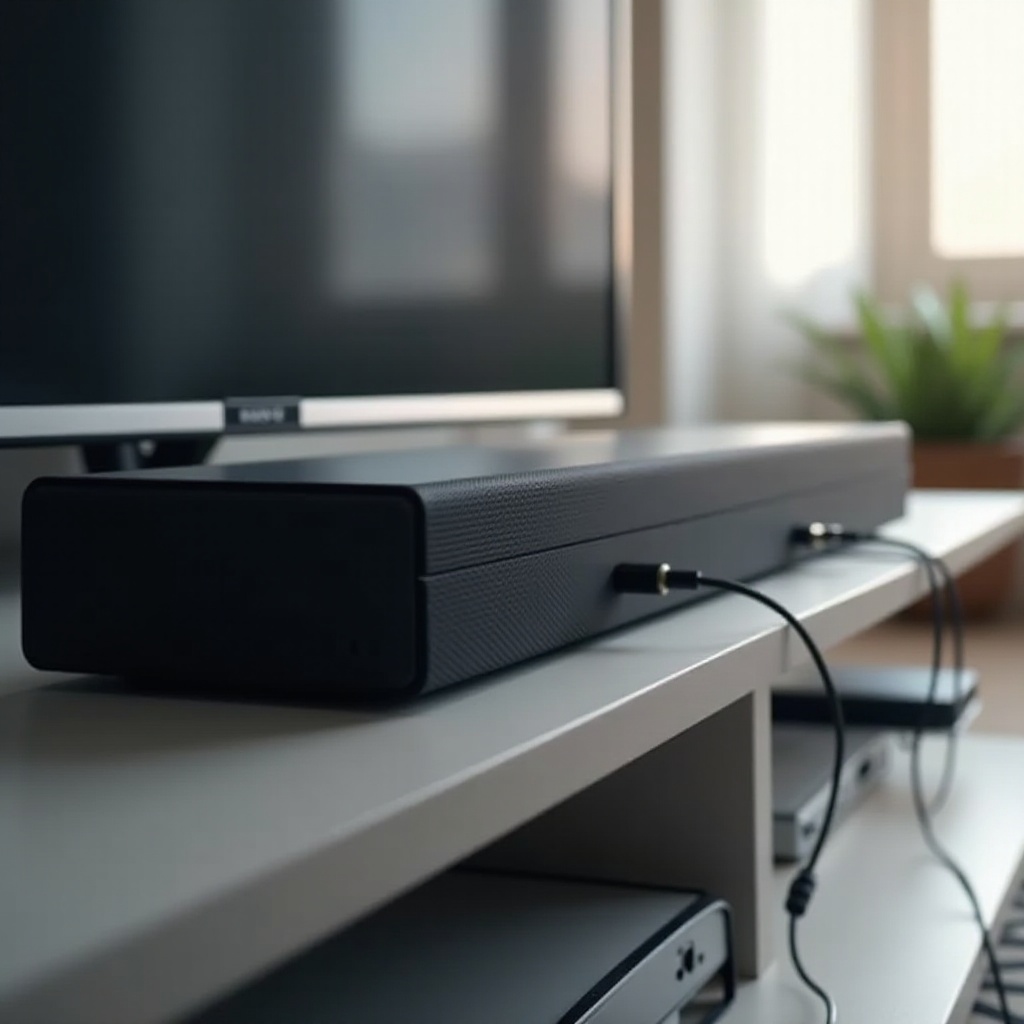
You can preempt connectivity issues by setting up your Sony sound system correctly from the start. Follow these steps to ensure a proper setup:
- Place Devices Correctly: Ensure your subwoofer and soundbar are within the recommended range without obstructions.
- Check Power Connections: Double-check that both devices are plugged into power outlets correctly.
- Enable Pairing Mode: Activate pairing mode as directed in the user manual, which often involves pressing a button on the device.
Frequent setup errors often involve neglecting the range or failing to enable pairing mode. Overlooking these steps leads to unresolved connectivity issues, so double-check your setup to prevent these problems.

Troubleshooting Connection Issues
When your devices are not connecting, it is vital to identify the cause. Use the following troubleshooting measures:
- Update Firmware: Ensure that the firmware on both devices is current by checking for updates in the settings menu.
- Reset Devices: If a persistent issue remains, try resetting both the soundbar and the subwoofer. This often involves pressing a reset button for several seconds.
To deal with interference:
- Move Competing Devices: Keep other wireless devices at a distance to avoid interference.
- Eliminate Obstacles: Ensure there are no physical barriers between the soundbar and subwoofer.
Implementing these strategies will resolve most common connectivity issues, paving the way for a efficient sound experience. If problems persist after these steps, advanced techniques might be required.
Checking for Firmware Updates
It is essential to keep your devices updated. Check for firmware updates regularly by accessing the system settings and choosing ‘Check for Updates.’ Following on-screen instructions will ensure your device remains updated with the latest features and improvements, enhancing connection stability.
Resetting Devices
For issues that resist other solutions, resetting can be highly effective. Hold the reset button, usually located at the rear, for a few seconds to restore factory settings. This often solves unresolved connectivity problems by returning the system to default settings.
Addressing Wireless Interference
Wireless interference is another potential issue. You can address this by:
- Repositioning Devices: Place the soundbar nearer to the subwoofer.
- Minimizing Nearby Devices: Reduce the number of nearby Wi-Fi and Bluetooth devices.
Such adjustments should greatly improve connectivity, ensuring your devices maintain a strong connection.
Advanced Solutions and Techniques
If the basic steps do not suffice, consider exploring:
- Manual Pairing: Consult the manual for methods to manually pair devices when automatic pairing fails.
- Inspect Hardware: Occasionally, hardware issues may occur. Inspect connections and replace any damaged cables.
If these techniques do not resolve the issue, consider reaching out to professional support.
Maintenance Tips for Long-term Performance
To prevent connectivity issues from reoccurring, maintain your equipment with these practices:
- Regular Updates and Maintenance: Set reminders to check for firmware updates.
- Routine Cleaning: Clear any dust or debris that could affect connections.
- Consistent Performance Checks: Regularly test your system for connectivity to manage issues promptly.
With these tips, you can extend the lifespan of your Sony audio devices and maintain optimal performance.
Conclusion
Addressing connectivity issues between your Sony subwoofer and soundbar can feel challenging, but with these systematic steps and regular maintenance, you can enjoy a seamless audio experience. This guide has provided insights and methods necessary to solve and prevent connection issues, ensuring that your Sony system delivers uninterrupted, high-quality sound.
Frequently Asked Questions
Why won’t my Sony subwoofer connect to my soundbar?
Common causes include outdated firmware, signal interference, or improper setup. Addressing these can solve the issue.
How do I reset my Sony subwoofer?
To reset, hold the reset button for five seconds to restore factory settings, resolving connectivity issues.
Can other devices interfere with my subwoofer connection?
Yes, wireless devices can interfere. Minimize interference by maintaining distance and ensuring devices don’t compete for signals.