

 By
By Introduction
Wii controllers connect players to diverse gaming worlds, but a malfunction can halt your fun abruptly. When a Wii controller stops working, performing quick troubleshooting can often restore its function. This guide provides practical, step-by-step solutions for resolving your Wii controller issues and getting back to your favorite games quickly.
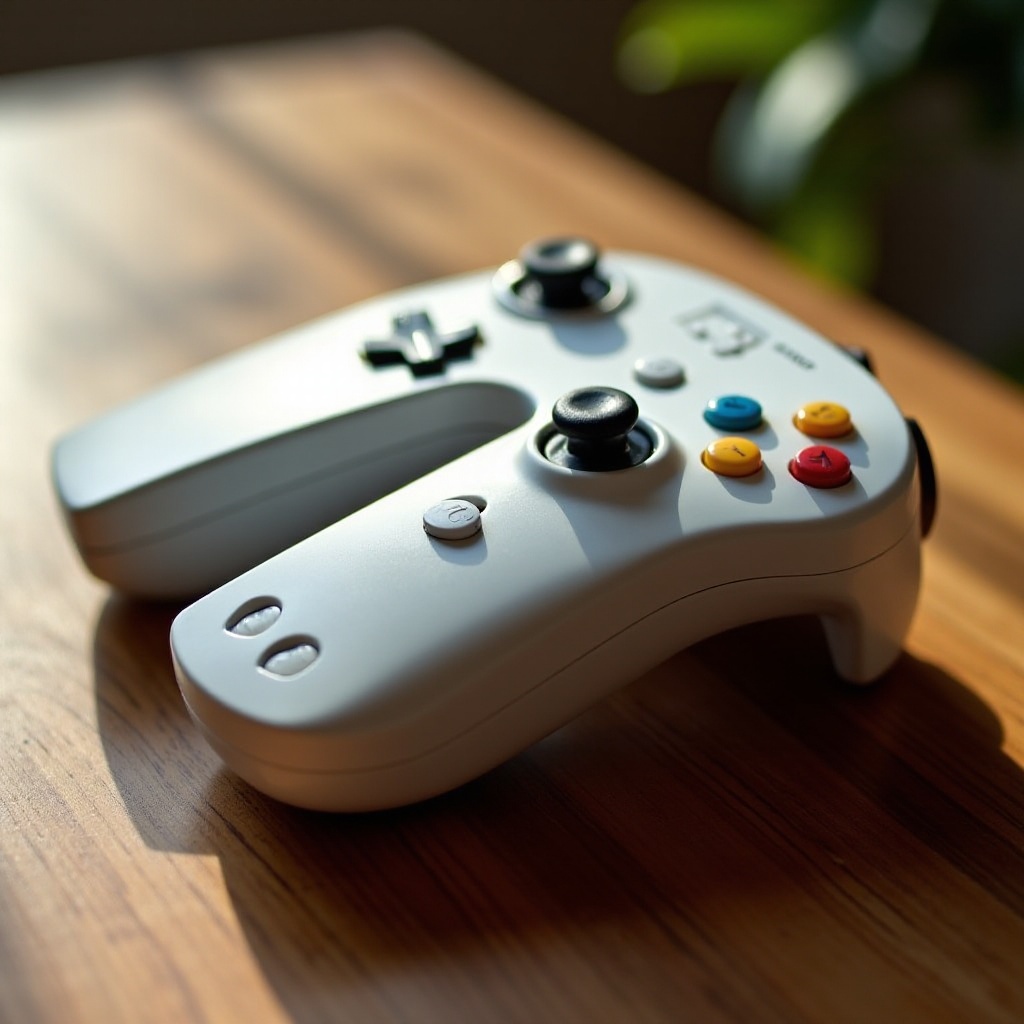
Understanding Common Wii Controller Problems
To effectively troubleshoot, start by identifying potential reasons for malfunction:
- Battery Problems: Dead or incorrectly installed batteries can cause the controller to malfunction.
- Connection Issues: Sometimes, the controller and console fail to sync, disrupting gameplay.
- Physical Damage: Wear and tear over time could impair performance.
Knowing these common issues helps you pinpoint the problem, setting you up for targeted troubleshooting. With this foundation, we’ll proceed to basic solutions that often resolve these issues.
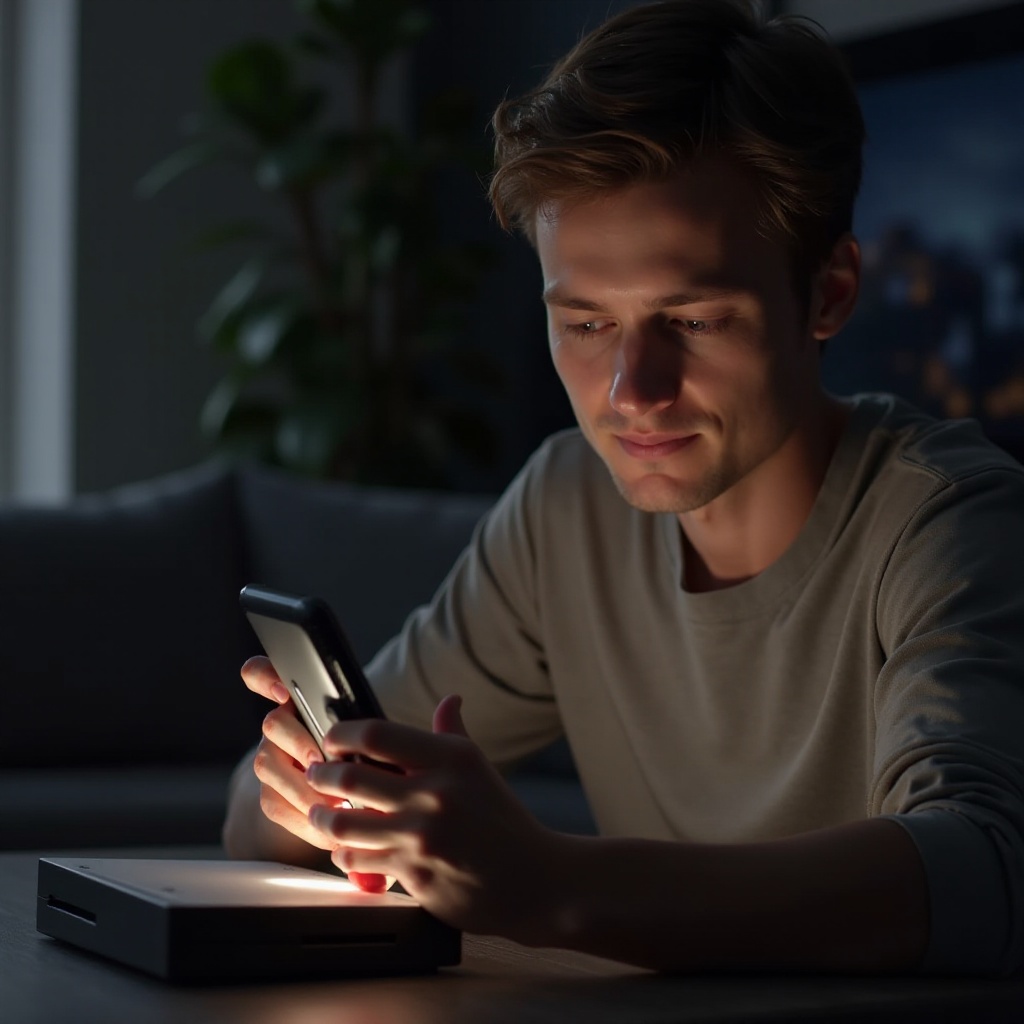
Initial Checks and Basic Troubleshooting
Begin with some basic troubleshooting steps. Often, these initial checks are sufficient to resolve many problems.
- Verify Battery Installation and Charge
- Ensure the batteries are inserted correctly in the compartment, with alignment matching the polarity markings.
-
Check the batteries’ health using a tester or switch out with new batteries to eliminate battery-related issues.
-
Check LED Lights and Controller Response
- Power on the controller and note the LED lights. They should flash when connecting and remain steady once connected successfully.
-
If lights are unresponsive, press and hold the power button for a few seconds to attempt a reset.
-
Ensure Proper Sync with the Console
- Open the SD card slot on the Wii console and press the red sync button.
- Quickly press the sync button found inside the battery compartment of the Wii controller.
- Successful syncing will cause the LED lights to flash, indicating a good connection.
These basic solutions often resolve entry-level connectivity problems. If your controller is still non-responsive, exploring deeper connections is the logical next step.
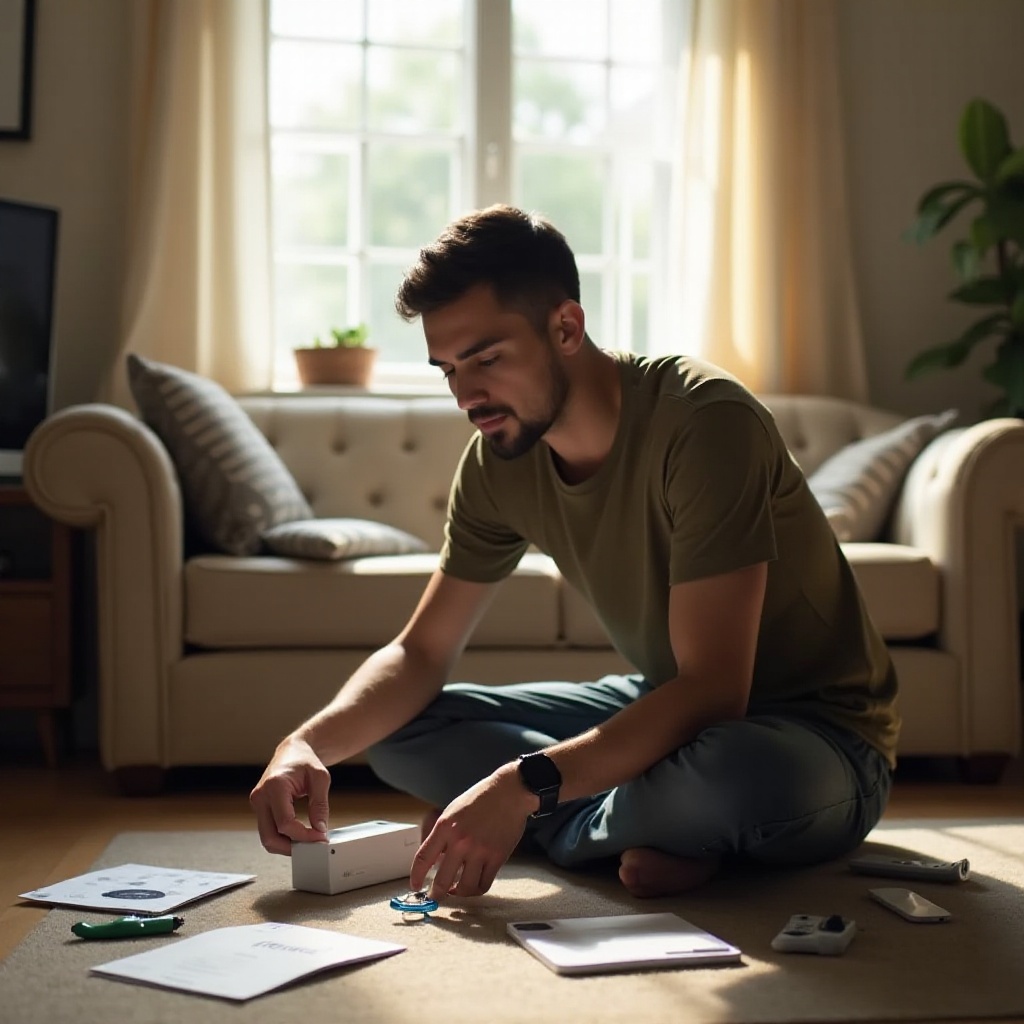
Advanced Troubleshooting Techniques
When basic checks don’t fix the issue, advanced troubleshooting might be necessary:
- Re-Sync Your Wii Remote
- Turn off the Wii console, unplug it, and wait a few minutes to allow everything to reset fully.
-
Reconnect and turn on the console, then redo the sync process to ensure a fresh connection.
-
Inspect and Clean the Controller
- Use a dry, clean cloth to wipe the exterior of the controller, removing dust and grime.
-
For button cleaning, dip a cotton swab in isopropyl alcohol, gently cleaning around the buttons to remove obstructions.
-
Test the Sensor Bar and Console Connections
- Verify the sensor bar is securely connected to the console.
- Clear any obstructions between the sensor bar and the controller, and clean its surface with a slightly damp cloth.
Completing these advanced steps should resolve any deeper issues. However, if the problem persists, investigating hardware and software aspects is necessary.
Addressing Hardware and Software Issues
Let’s delve deeper into addressing potential hardware and software issues affecting your controller’s functionality.
- Identify Physical Damage to the Controller
-
Examine the controller for any visible cracks, broken buttons, or significant wear. If problems are found, repair or replace the controller as needed.
-
Update System Firmware and Software
-
Check the console for any system updates and promptly install firmware or software updates to maintain compatibility with the controller.
-
Reset the Console and Controller
- Turn off the console and unplug it, removing batteries from the controller for at least five minutes.
- Restore power and reassemble, then turn everything back on to reset connections.
These steps often restore full functionality. If issues continue, consider professional help as a final recourse.
When to Seek Professional Assistance
If your Wii controller remains unresponsive despite following these steps, professional help may be necessary:
- Contact Nintendo’s technical support or visit an authorized repair center.
- Determine if your device is under warranty, as this could cover repair or replacement costs.
Professional insight ensures the controller undergoes precise diagnostics and repair, getting you back to gaming.
Conclusion
By applying a methodical approach to your Wii controller’s problems, you increase the chances of restoring full functionality. From straightforward battery checks to in-depth hardware assessments, every stage can potentially solve the issue. Employ this troubleshooting guide whenever your Wii controller disrupts your gaming experience.
Frequently Asked Questions
What do I do if my Wii Remote won’t turn on?
Check the batteries for proper installation and charge. Attempt to re-sync the controller with the console if the problem persists.
How can I fix button responsiveness issues?
Clean buttons using a cotton swab dipped in isopropyl alcohol to remove any dirt causing unresponsiveness.
Is it necessary to update my Wii console to fix controller issues?
Yes, updating the console’s firmware can address compatibility issues and improve controller functionality.