

 By
By Introduction
Facing an Onn TV that refuses to turn on can disrupt your entertainment time and lead to frustration. This guide addresses the reasons your Onn TV may not be turning on, providing a detailed troubleshooting process. With clear solutions, even users with basic technical knowledge can attempt to resolve the issue without calling for professional help.
Common Reasons Your Onn TV Won’t Turn On
Before delving into detailed troubleshooting steps, it’s useful to understand common reasons behind this issue. Some common causes might include:
– Power Supply Interruptions: A loose power cord, faulty outlets, or a malfunctioning power surge protector can often be the root of the problem.
– Remote Control Malfunctions: Dead batteries or a misconfigured remote can prevent your TV from turning on.
– Internal Hardware and Software Glitches: Sometimes the origins lie within the TV’s internals or outdated software.
Recognizing these common issues sets the foundation for the troubleshooting methods that follow, helping you know where to start looking first.
Step-by-Step Troubleshooting for Onn TV
The core of resolving your Onn TV power issue lies in following a methodical procedure. Adopt these steps to troubleshoot effectively:
1. Checking Power Connections: Make sure the power cord is firmly connected to both the TV and the outlet. Test the outlet by plugging in another device to ensure it’s operational.
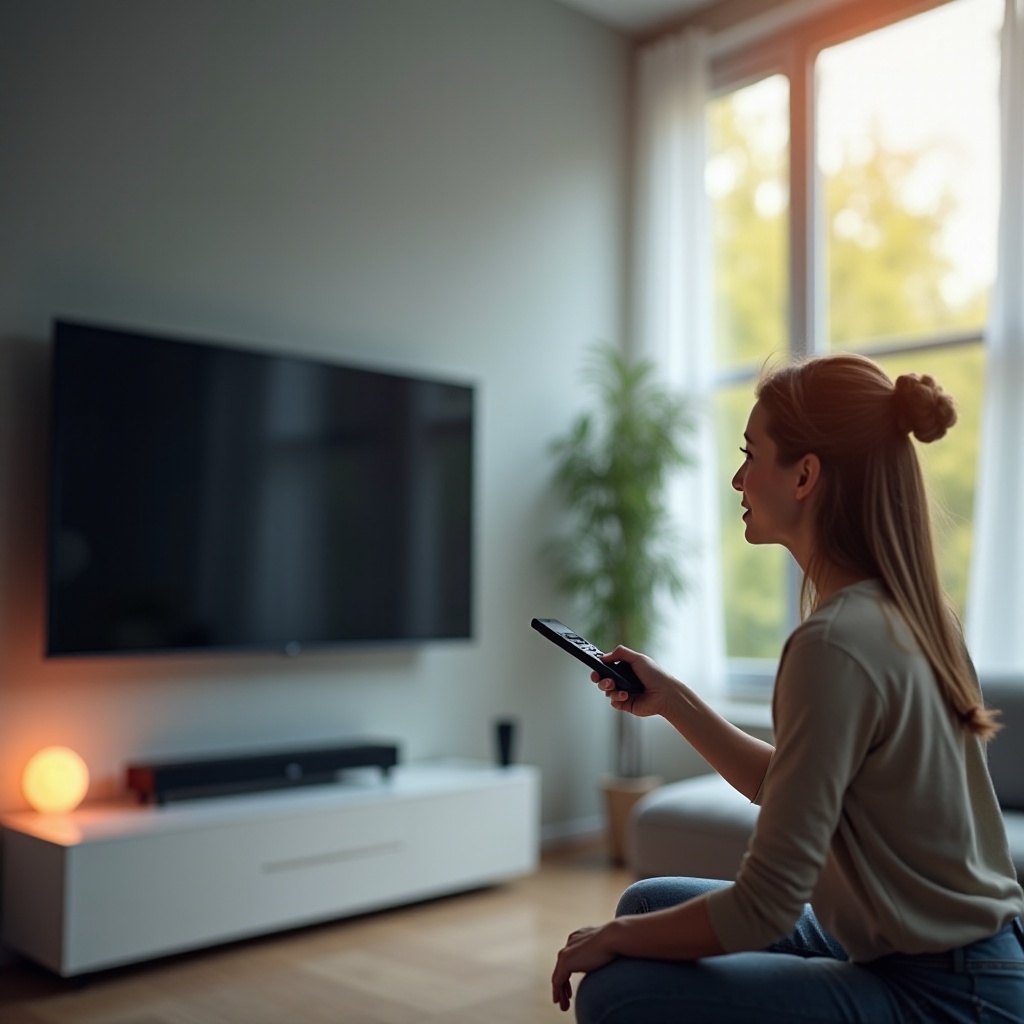
2. Testing the Remote Control: Replace the remote batteries with fresh ones. Attempt turning on the TV using the power button on the TV itself.
3. Using Different Power Outlets: Plug your TV into a different power outlet. Avoid using extension cords; instead, connect the TV directly to a wall outlet.
These simple checks can often resolve the issue. If these do not work, consider exploring more advanced troubleshooting solutions.
Advanced Troubleshooting Techniques
If the basic steps do not resolve the problem, it’s time to try some advanced methods:
1. Resetting the Onn TV: Unplug your TV, wait for at least 60 seconds, and then plug it back in. This power cycle can help restart system operations.
2. Firmware Updates Installation: Visit the manufacturer’s website for any new firmware releases. Follow the guide to download updates to a USB drive and install them on your TV.
3. Identifying Hardware Malfunctions: Pay attention to unusual noises or heat from the TV, indicating hardware malfunctions. Also, inspect the TV for any visible physical damage.
These advanced solutions aim to tackle deeper issues that basic troubleshooting might not address. Should these fail, further professional evaluation may be required.
Knowing When to Seek Professional Help
Knowing when to consult a professional is as vital as the steps taken to troubleshoot. Certain signs indicate the need for outside assistance:
– Signs of Critical Issues: Absence of power lights, persistent unusual blinking patterns, or the TV constantly rebooting are indicators for professional inspection.
– Understanding Warranty Options: Familiarize yourself with warranty coverage that may offer repair or replacement. Contact Onn’s customer service for guidance with warranty claims.
Getting expert support can ensure a correct diagnosis, eliminating the risk of further complications.
Preventive Measures to Avoid Future Issues
Preventing future issues with your Onn TV involves regular, straightforward maintenance:
– Regular Maintenance Tips: Keep vents clear to avoid overheating. Regularly cleaning dust from your TV can ensure that components work properly.
– Electrical Surge Protection: Invest in quality surge protectors to safeguard against power surges. Ensure that your home wiring adheres to current electrical codes.
– Importance of Firmware Maintenance: Regularly check for software updates. Enable automatic updates if the TV supports it.
Embedding these practices into regular upkeep routines can significantly prolong the TV’s lifespan, ensuring reliable performance.
Conclusion
Resolving why your Onn TV won’t power on involves identifying potential reasons and tackling them methodically. While not every issue can be self-resolved, the majority can be managed at home. Through this comprehensive guide, users can effectively troubleshoot, prevent future issues, and maintain optimal TV performance. The highlighted preventive measures and tips can serve as the best line of defense against recurrent problems.
Frequently Asked Questions
What should I do if my Onn TV’s power light is blinking?
Check your power source and connections. Refer to the manual for blinking patterns indicating specific errors.
How often should I update my Onn TV’s firmware?
Regularly check for updates every few months or whenever the manufacturer releases new software versions.
Can using a surge protector prevent power issues with my Onn TV?
Yes, a surge protector helps guard against power spikes that might damage your TV.