

 By
By Introduction
Does your iPhone speaker emit nothing but crackles or complete silence? If so, it might be time for a replacement. A malfunctioning speaker can diminish the utility and enjoyment of your device, prompting a timely fix. This detailed guide will walk you through the process of replacing your iPhone speaker yourself. By following these instructions, you can restore sound quality without needing costly professional services.
Signs You Need to Replace Your iPhone Speaker
Before beginning the repair, you must first confirm that the speaker indeed requires replacement. Here are common symptoms to watch for:
- Distorted Sound: A crackling, muffled tone indicates a possible issue.
- Lack of Sound: If your iPhone remains silent, even with the volume turned up, the speaker may be faulty.
- Static Noise: Continuous hissing or static points to speaker malfunction.
Identifying these issues early is essential, mitigating further damage and ensuring the device operates effectively.
Preparing for the Replacement
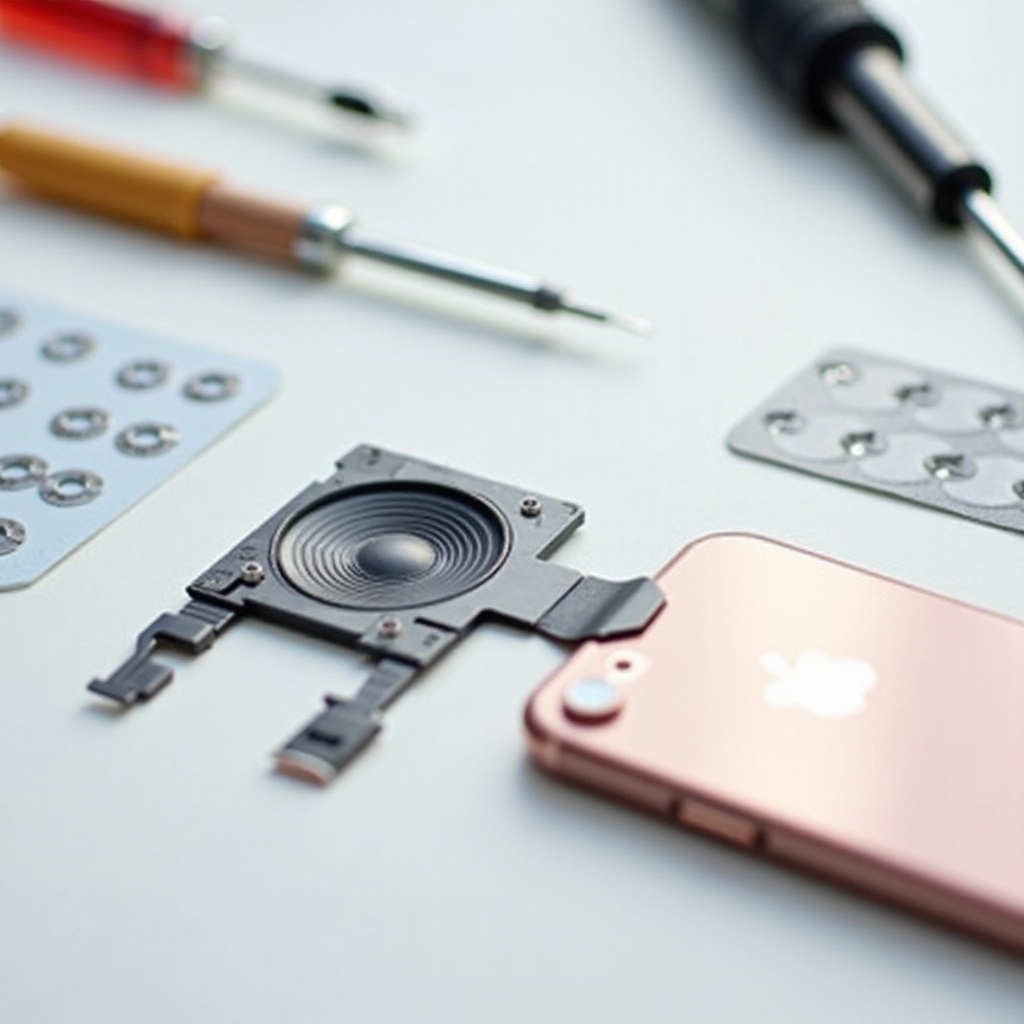
Once you’ve pinpointed the problem, it’s time to prepare for the replacement. Gather all necessary tools and materials before disassembling your device:
- A small Phillips screwdriver
- A plastic prying tool
- Tweezers
- A replacement speaker
- An anti-static wrist strap (optional)
Create a clear, well-lit workspace. Watch video tutorials if you’re unfamiliar with the procedure. With everything ready, you’re set to start the repair.
Step-by-Step Guide to Replacing the iPhone Speaker
Here’s a detailed guide to replacing your iPhone speaker. Follow the steps carefully:
-
Backing Up Your Data: Always back up your data using iCloud or iTunes to safeguard against potential data loss during the repair.
-
Opening and Disassembling the iPhone:
- Power off your device.
- Unscrew and remove the screws beside the charging port.
-
Gently use the prying tool to lift and detach the screen from the phone’s body.
-
Removing the Faulty Speaker:
- Identify the speaker near the bottom of your iPhone.
- Unscrew and remove any protective panels.
-
Carefully disconnect and remove the broken speaker.
-
Installing the New Speaker:
- Align the new speaker and connect it carefully.
-
Reattach any panels and ensure all screws are tightened.
-
Reassembling the iPhone:
- Properly position the screen back onto the device.
- Secure the screen using the screws near the charging port.
Testing and Troubleshooting Your New Speaker
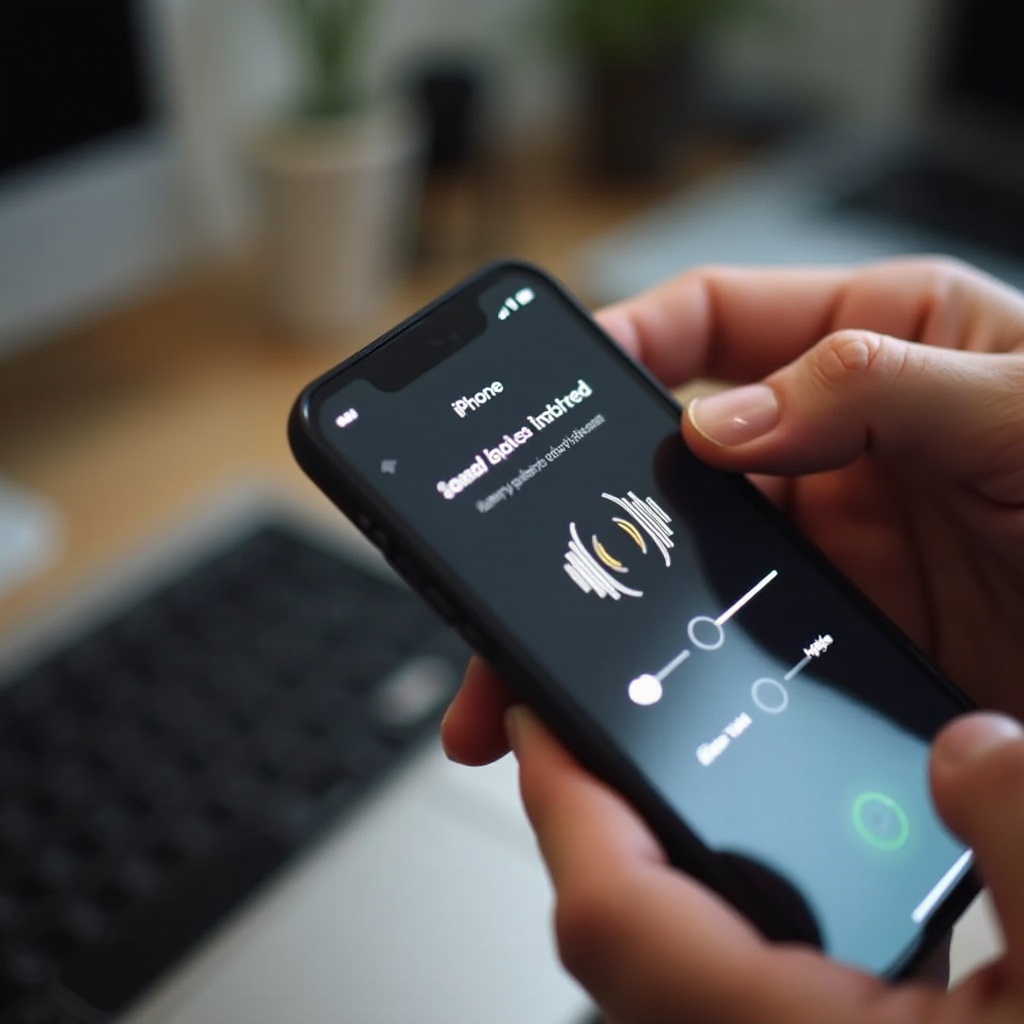
With the new speaker in place, it’s vital to test its functionality:
- Audio Test: Play various sounds to evaluate the clarity and volume.
- Functionality Check: Make phone calls to assess input and output efficacy.
Should any issues persist, carefully reassess the installation process. Proper testing ensures the speaker functions as intended, and minor adjustments might refine sound quality.
Cost Considerations and Professional Repair Options
Deciding on a DIY repair can result in substantial savings. While professional repairs may cost significantly more, they guarantee expertise and usually offer warranties. Assess the tools available and your comfort level with technology. If in doubt, seeking professional assistance could prevent further damage, ensuring everything is correctly fitted.
Conclusion
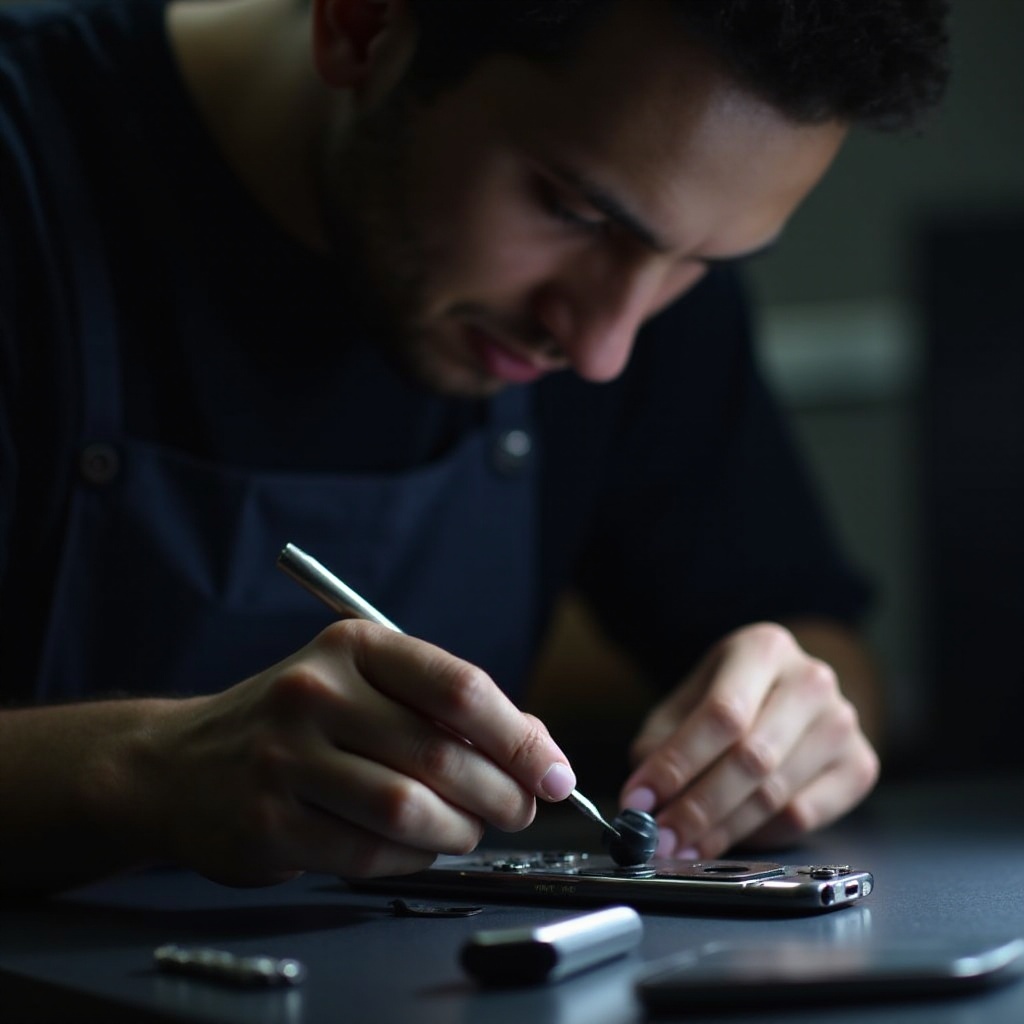
Repairing your iPhone speaker independently is a skill both rewarding and cost-effective. With careful preparation and attention to detail, many users find the process both manageable and satisfying. By opting for a DIY method, you develop a greater appreciation for the technology in your hands.
Frequently Asked Questions
How long does iPhone speaker replacement take?
Generally, the replacement process takes about 30 minutes to an hour, depending on your familiarity and methodical approach.
What if replacement doesn’t fix the problem?
Recheck all connections and installation steps. If issues persist, seek professional help as there might be other underlying problems.
Can I replace the iPhone speaker without special tools?
Special tools ensure safety and precision. While possible, it’s not recommended as it increases the risk of damage.