

 By
By Introduction
The Sleep/Wake button of an iPhone plays an indispensable role in daily operations, yet many users are unaware of its full range of capabilities. This blog will delve into the functions, troubleshooting, and enhancements related to the Sleep/Wake button, enabling you to leverage its full potential for a better iPhone experience.
What is the Sleep/Wake Button?
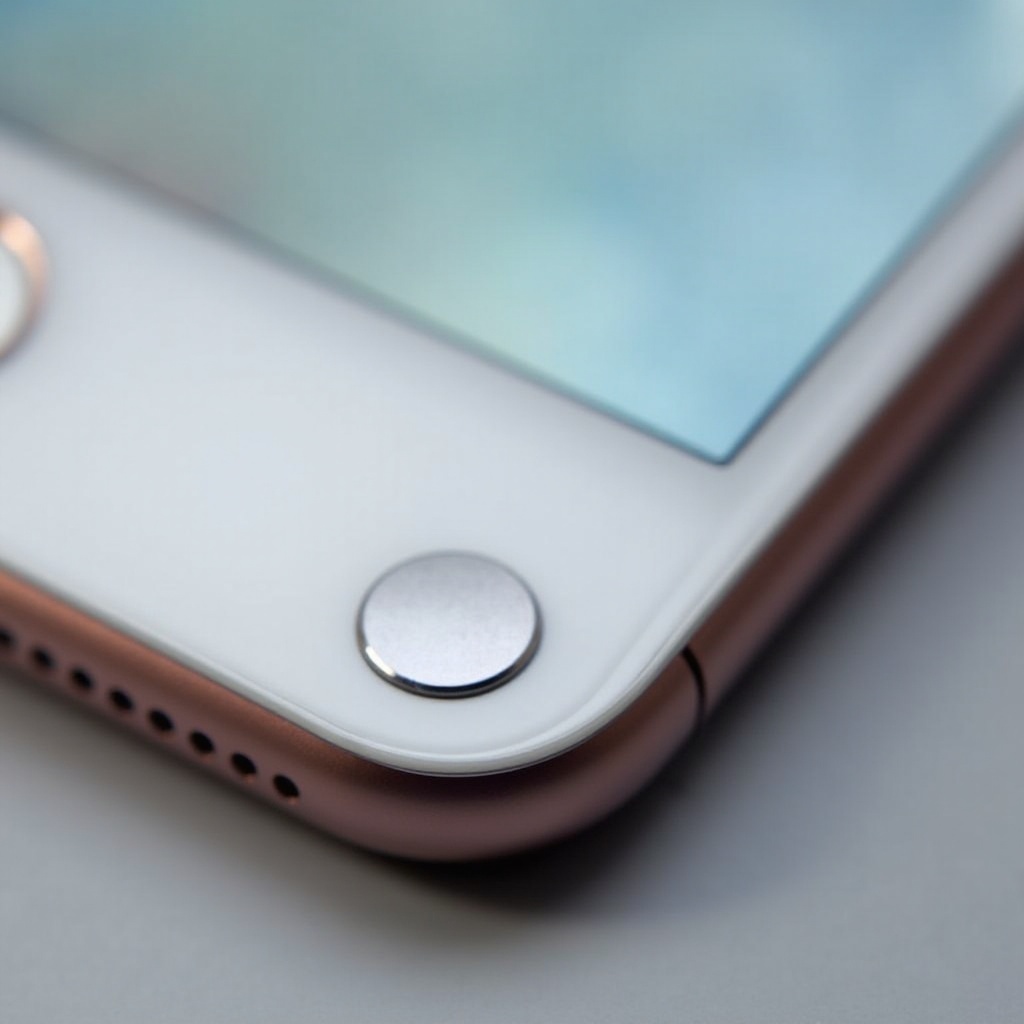
The Sleep/Wake button, commonly known as the power button, is pivotal for your iPhone’s operation. Typically found on the right side of recent iPhone models, it allows users to power on/off the device and lock or wake the screen. While older models feature this button on the top edge, newer designs moved it to the side for increased accessibility. Understanding its purpose and location sets the foundation for exploring its varied features.
Knowing where this button is located prepares us to delve deeper into its diverse uses and how it enhances your iPhone interaction daily.
Functions of the Sleep/Wake Button
The Sleep/Wake button serves multiple fundamental functions:
- Powering On/Off: Holding the button turns your iPhone on or off, making it essential for basic device operation.
- Screen Lock/Wake: A quick press locks or unlocks your phone, preserving battery life and securing data.
- Taking Screenshots: On newer models, press the Sleep/Wake and Volume Up buttons simultaneously to capture screenshots.
These basic capabilities form the backbone of the Sleep/Wake button’s functionality. Beyond these, there are more advanced uses that heighten its value.
Advanced Functions
The Sleep/Wake button offers more than basic operations:
1. Force Restart: For unresponsive devices, press and hold the Sleep/Wake button with Volume buttons until the Apple logo appears.
2. Emergency SOS: Activate by pressing the button five times; this can be a critical feature during emergencies.
Understanding these advanced operations enhances your ability to manage and troubleshoot your device effectively.
Common Issues and Troubleshooting
Despite its reliability, the Sleep/Wake button may encounter occasional problems. Key issues include unresponsiveness, often due to software glitches or wear.
- Resolutions: A force restart or software update can often remedy temporary unresponsiveness. Regularly check for iOS updates to keep your device running smoothly.
- Persistent Issues: Consistent problems may indicate a need for professional maintenance or repair.
Awareness of potential problems allows for proactive device maintenance. Now, let’s consider ways to avoid these issues through proper care.
Maintenance Tips
To prevent frequent issues with the Sleep/Wake button, consider these tips:
– Gentle Use: Avoid excessive force; gentle pressing extends button longevity.
– AssistiveTouch: Utilize on-screen controls to reduce physical button usage.
These maintenance tips, along with proper awareness, prolong the functionality and lifespan of your iPhone and its components.
Enhancements and Accessibility
Enhancing your iPhone’s usability often involves leveraging its built-in accessibility features:
– AssistiveTouch: Offers software-based alternatives to physical buttons, ideal for those with mobility limitations or worn-out buttons.
– Customized Settings: Tailor your iPhone’s settings to optimize the Sleep/Wake button’s functionality according to your needs.
Exploring accessibility options ensures that your device remains convenient and user-friendly, adapting to your preferences and providing a versatile experience.
Conclusion
A comprehensive understanding of the Sleep/Wake button boosts both your device’s functionality and ease of use. Equipped with insights into its basic and advanced functions, troubleshooting techniques, and accessibility enhancements, you can navigate any iPhone scenario with confidence.
Knowledge about how to efficiently use and maintain the Sleep/Wake button helps maximize your iPhone’s potential in everyday life.
Frequently Asked Questions
How do I know if my Sleep/Wake button is faulty?
If the button is unresponsive despite updates or resets, it might be faulty. Consider professional repair.
Can I customize the Sleep/Wake button’s functions?
Direct customization is limited, but settings like AssistiveTouch offer additional control options.
How does the button vary between iPhone models?
While functions remain the same, button placement varies, with newer models placing it on the side for accessibility.