

 By
By Introduction
The Xbox Elite controller is celebrated among gamers for its superior design and enhanced gameplay capabilities. However, a persistent issue that many face is the grips coming off, which can detract from both the aesthetic and functional appeal of this sophisticated gaming tool.
This guide aims to address why this problem occurs and offers effective solutions for fixing it. Additionally, we will explore preventive measures to ensure that your gaming sessions are never interrupted by slipping grips again.
Understanding the Problem
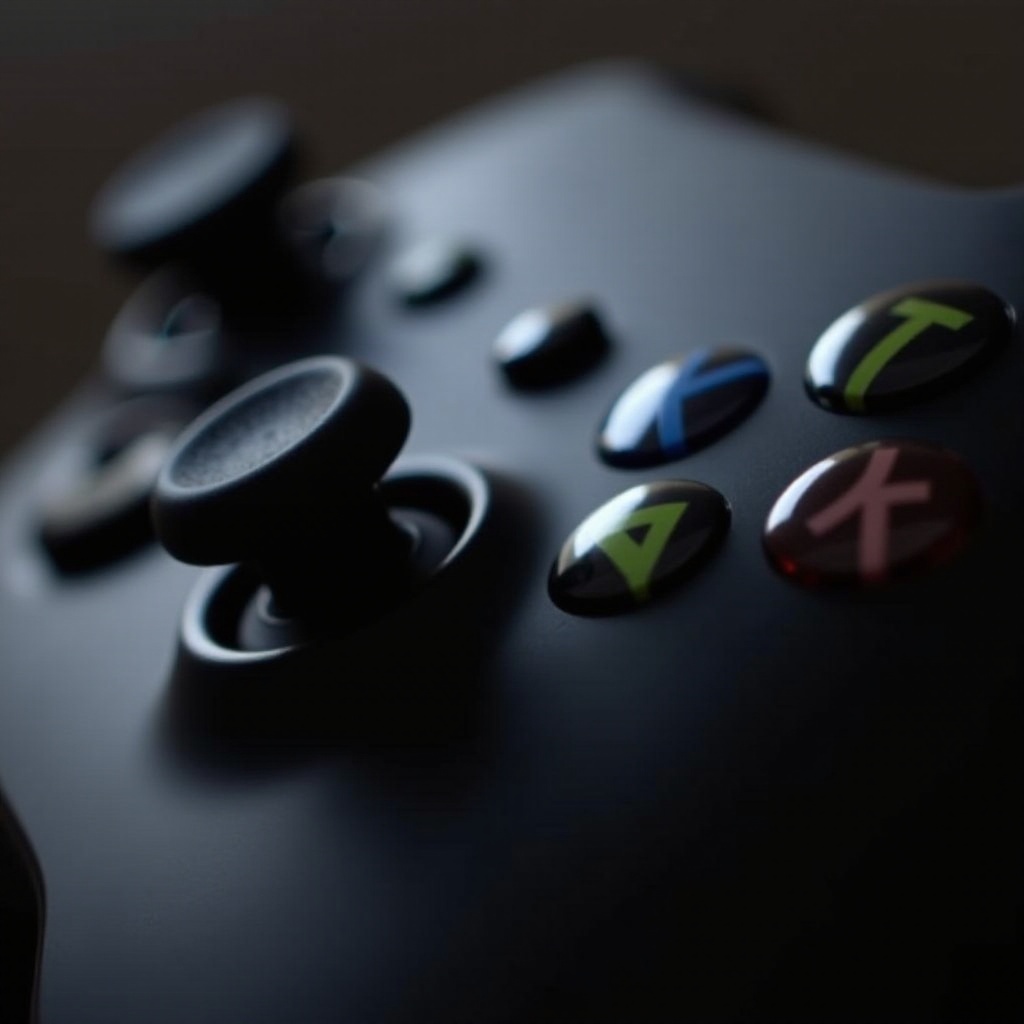
Materials Used in Xbox Elite Controller Grips
Xbox Elite controller grips are typically crafted from high-grade rubber and plastic. These materials are selected to provide a comfortable handling experience and superior grip during intensive gameplay. However, their durability can be compromised under certain conditions, leading to grip detachment.
Common Reasons for Grip Detachment
Various factors contribute to this issue, including:
- Heat and Humidity: Exposing your controller to excessive temperatures or moisture weakens the adhesive bonding the grips.
- Wear and Tear: Over time, regular use naturally leads to the breakdown of materials, causing them to separate.
- Improper Storage: Storing your controller in unfriendly environments, such as in direct sunlight or damp areas, exacerbates this deterioration.
Understanding these factors is crucial for addressing and preventing further detachment issues.
DIY Fixes for Loose Grips
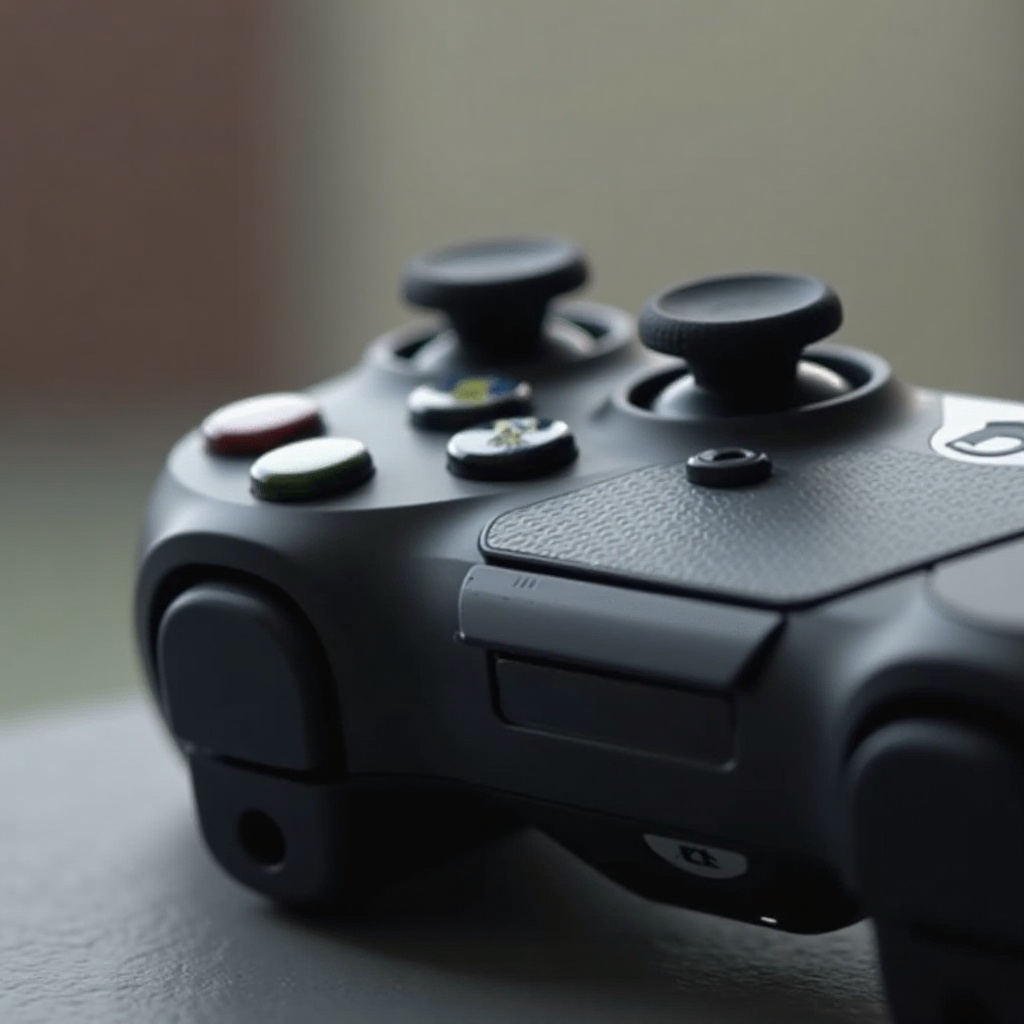
For those keen on fixing their controller grips without professional assistance, several practical DIY solutions exist.
Tools and Materials Needed
To effectively reattach your grips, you will need:
- A strong adhesive (cyanoacrylate glue is recommended)
- Isopropyl alcohol for cleaning surfaces
- A soft cloth
- Masking tape or rubber bands to hold grips in place during drying
Step-by-Step Guide to Reattaching Grips
- Clean the Surface: Gently wipe the area with isopropyl alcohol using a soft cloth, ensuring it is clean and free from residue.
- Apply Adhesive: Carefully apply the chosen adhesive to both the grip and the controller surface.
- Reattach the Grip: Align the grip accurately on the controller and press firmly for about 30 seconds.
- Secure and Dry: Use masking tape or rubber bands to secure the grip in place and allow the adhesive to dry for several hours.
Precautions During the Reattachment Process
- Avoid excessive glue application to prevent overflow and potential damage to the controller.
- Ensure your working area is well-ventilated to minimize exposure to glue fumes.
These steps should return your controller to optimal function, allowing for uninterrupted gaming sessions.
Preventive Measures
Proactively caring for your Xbox Elite controller grips can help sidestep regular fixes.
Maintenance Tips for Prolonging Grip Life
Routine maintenance is key to grip longevity:
- Always wipe your grips with a dry cloth after each session to remove sweat and oils.
- Occasionally, use a slightly damp cloth to clean, ensuring moisture does not penetrate the grip adhesive.
Proper Cleaning Techniques
Adopting the right cleaning practices can enhance grip durability:
- Prefer gentle, non-abrasive cleaning solutions.
- For deeper cleaning, use mild soapy water on a soft cloth, followed by a thorough drying.
Storage Tips to Avoid Grip Damage
- Always store your controller in a cool, dry location away from direct heat or sunlight.
- Utilize a protective case during storage to reduce exposure to damaging environmental factors.
Integrating these preventive measures into your routine helps maintain grip quality and reduces the likelihood of reoccurring issues.
When to Seek Professional Help
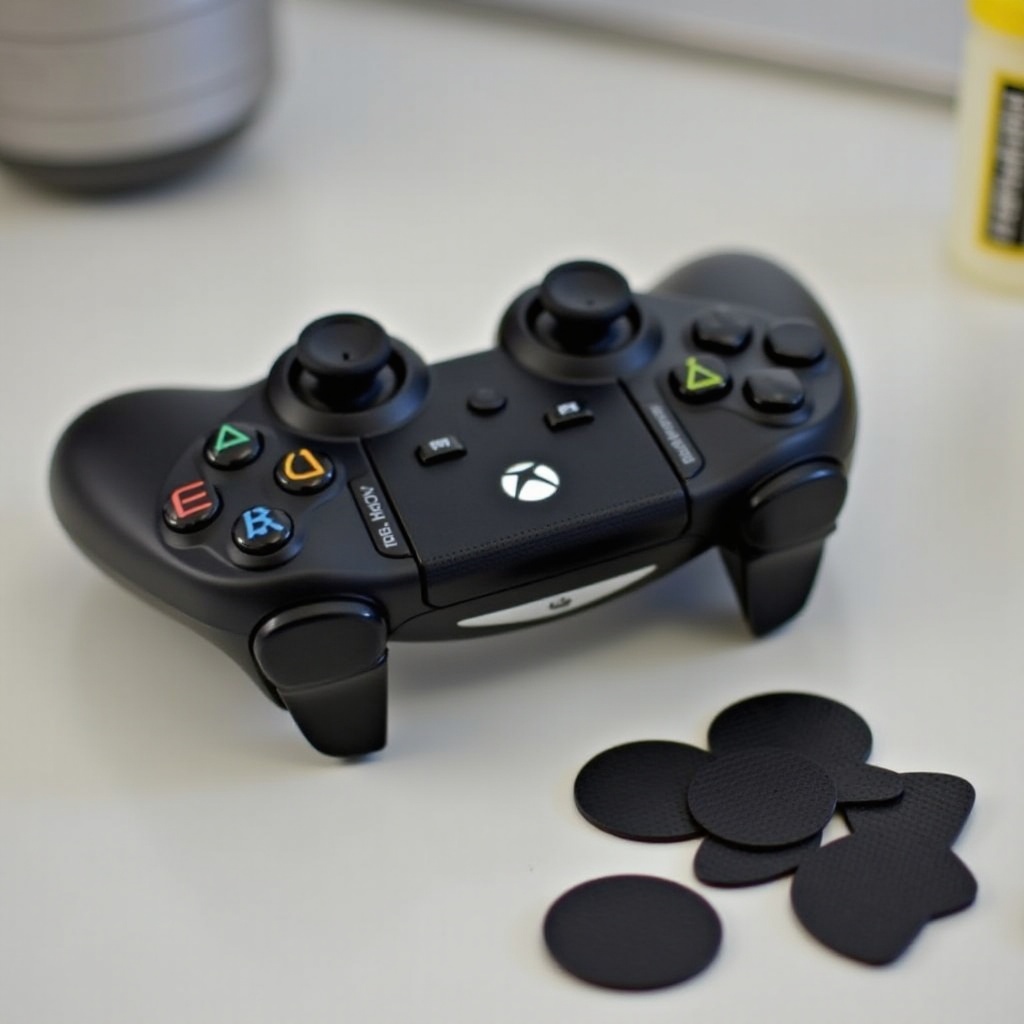
Sometimes, amateur fixes and preventive measures might not resolve the issue. Knowing when to consult a professional is essential.
Indicators for Professional Repair
- Severe Detachment: If your grip completely comes off and home remedies prove ineffective.
- Internal Component Damage: When grip problems interfere with the controller’s internal mechanisms.
Cost-Benefit Analysis of Repair vs. Replacement
Carefully weigh the costs of repair against replacement. In cases of minor wear, repair is often cost-effective. However, in instances of substantial damage, investing in a new controller could be more practical.
Conclusion
Maintaining the integrity of your Xbox Elite controller grips requires a mix of effective repair techniques and consistent preventive care. By understanding the materials, common causes of detachment, and mastering DIY methods alongside preventive strategies, you can ensure your controller remains in top condition.
For persistent issues, seeking professional support is advisable. The Xbox Elite controller is an investment in superior gaming experiences, and with proper care, it can continue to deliver exceptional performance.
Frequently Asked Questions
How often should I replace my Xbox Elite Controller grips?
The need for replacement depends on usage and care. With proper maintenance, grips can last for years without replacement.
Can I use third-party grips for my Xbox Elite Controller?
Yes, third-party grips are an option. Ensure they are compatible with your controller model to avoid fit issues.
What warranty options are available for Xbox Elite Controller grip issues?
Xbox controllers typically come with a limited warranty that might cover grip issues. Check your warranty details or contact customer support for more information.