

 By
By Introduction
Charging your PS4 controller effectively is crucial for seamless gaming sessions. While using the console’s USB ports is common, you might wonder about the possibility and practicality of charging with a wall outlet. This guide explores whether you can charge your PS4 controller via a wall outlet and how to do it safely, while considering alternative methods.
Understanding PS4 Controller Charging Mechanisms
The PS4 controller, known as the DualShock 4, houses a rechargeable battery. Typically, it’s charged through the PS4’s USB ports using a specific cable. This method works well due to the console’s consistent power output and protection features.
However, could a wall outlet serve the same purpose? Yes, it can, but understanding compatibility and safety is essential. In the next section, we delve into whether wall outlet charging is a suitable alternative.
Can You Charge a PS4 Controller with a Wall Outlet?
Charging your PS4 controller with a wall outlet is indeed feasible, provided certain conditions are met.
-
Compatibility: Ensure that the wall charger’s output is at 5V, which is the standard for USB power. Chargers exceeding this may damage your controller.
-
Safety Considerations: Choose high-quality chargers with built-in surge protection to prevent overcharging, which can degrade battery life over time.
Knowing these aspects, you can adapt your charging habits to include wall outlet use, making your gaming setup more versatile and accommodating.
How to Safely Charge Your PS4 Controller Using a Wall Outlet
To ensure your PS4 controller charges safely with a wall outlet, follow these detailed steps:
- Gather Necessary Equipment:
- A USB wall charger with a 5V output.
-
A USB to micro-USB cable, typically provided with your PS4.
-
Charging Procedure:
- Connect the micro-USB end to your controller.
- Attach the USB end to your wall adapter.
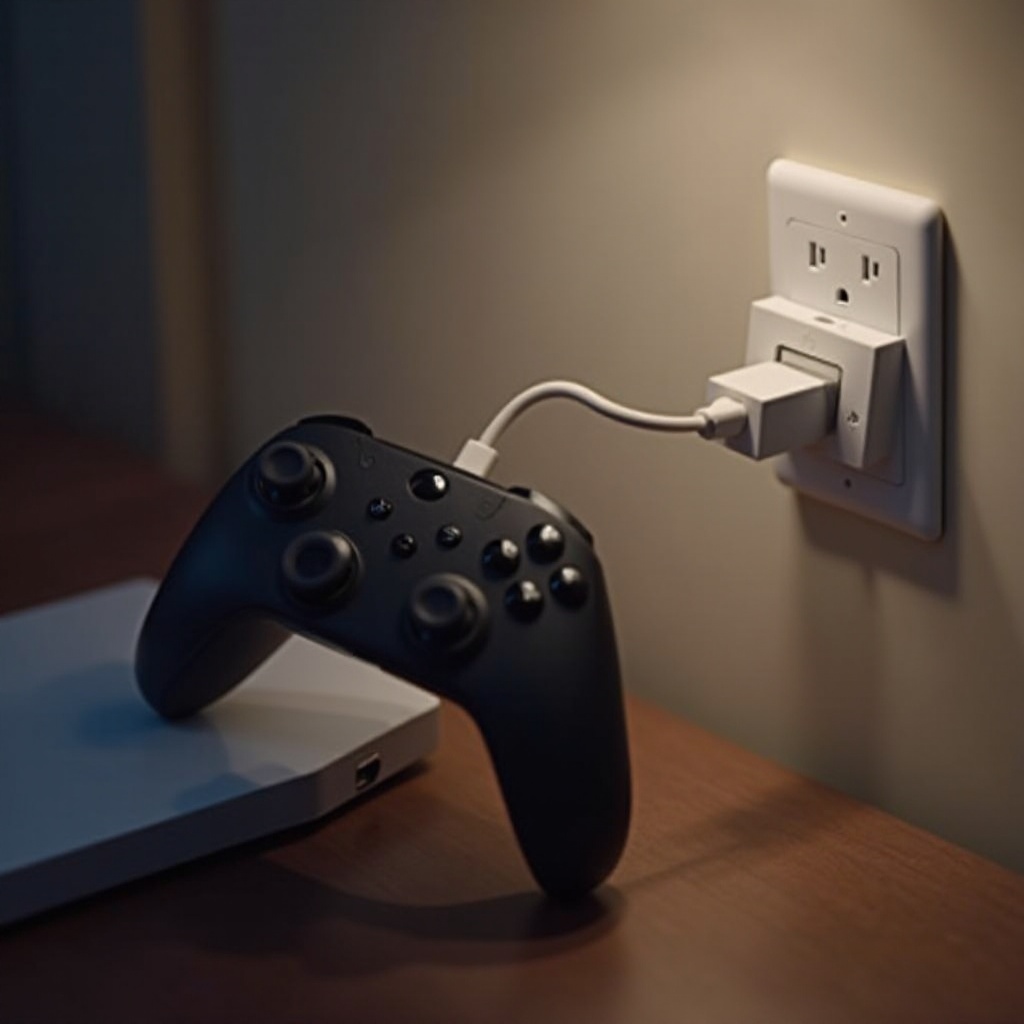
- Insert the adapter into a wall outlet.
- Look for the controller’s light bar to indicate charging has begun.
These steps ensure a safe and convenient wall outlet charging experience.
Pros and Cons of Charging via Wall Outlet
Charging your controller via a wall outlet offers several advantages alongside a few drawbacks worth noting.
Pros:
– Convenience: Easily accessible outlets provide more freedom than console-based charging.
– Speed: A good quality wall adapter may offer faster charging compared to some USB ports.
Cons:
– Overcharge Risk: Poor-quality adapters might not offer overcharge protection.
– Voltage Concerns: Using incorrect voltage chargers can harm the controller.
Weighing these pros and cons helps in deciding if this method fits your needs.
Alternative Charging Options for PS4 Controllers
Beyond traditional charging methods, various alternatives exist for your PS4 controller charging.
-
Charging Stations: Offer neat setups to charge multiple controllers simultaneously, often including quick charge features.
-
Direct Console Charge: Simple and reliable, using the console’s USB ports ensures consistency in power delivery.
-
PC USB Charging: Effective for those who game close to a PC, it provides an alternative source of power similar to the console.
Exploring these options lets you choose the best method according to your lifestyle and gaming preferences.
Troubleshooting Common Charging Issues
Often, users face charging problems that disrupt their gaming experience. Here are some solutions:
-
Inspect the Cable: Check for damaged or incompatible USB cables, replacing them if necessary.
-
Check the Adapter: Ensure your adapter meets the necessary specifications and isn’t damaged.
-
Regularly Clean Ports: Dust build-up can hinder charging, so maintain cleanliness for optimal performance.
Applying these solutions can resolve most charging concerns.
Tips for Maintaining Optimal Battery Health
To extend the lifespan of your PS4 controller’s battery, consider these tips:
-
Avoid Overcharging: Unplug from the power source once the controller is charged.
-
High-Quality Equipment: Use certified chargers and cables to prevent damage.
-
Proper Storage: Store your controller in a cool, dry location to avoid overheating.
Following these practices ensures your device remains in good condition.
Conclusion
Charging your PS4 controller with a wall outlet is practical if done with the correct equipment and precautions. This guide gives you everything needed to safely charge via a wall outlet or explore other methods for maintaining your gaming setup.
Frequently Asked Questions
Is it safe to leave my PS4 controller charging overnight?
It is generally safe if the charger has overcharge protection, but it’s best to unplug once fully charged to preserve battery health.
What type of wall charger should I use for the PS4 controller?
Use a USB wall charger with a 5V output. Avoid chargers with improper voltage to prevent damage to your controller.
How long does it take to charge a PS4 controller from a wall outlet?
Typically, it takes about 2-3 hours to fully charge using a wall outlet, depending on the charger used.